

Wherever work happens…
Mobile App Clocking
Easy Time Clock offers a mobile app for employees, supervisors, and admins. Free to download, no additional cost to use!
Download the app here!
Employees
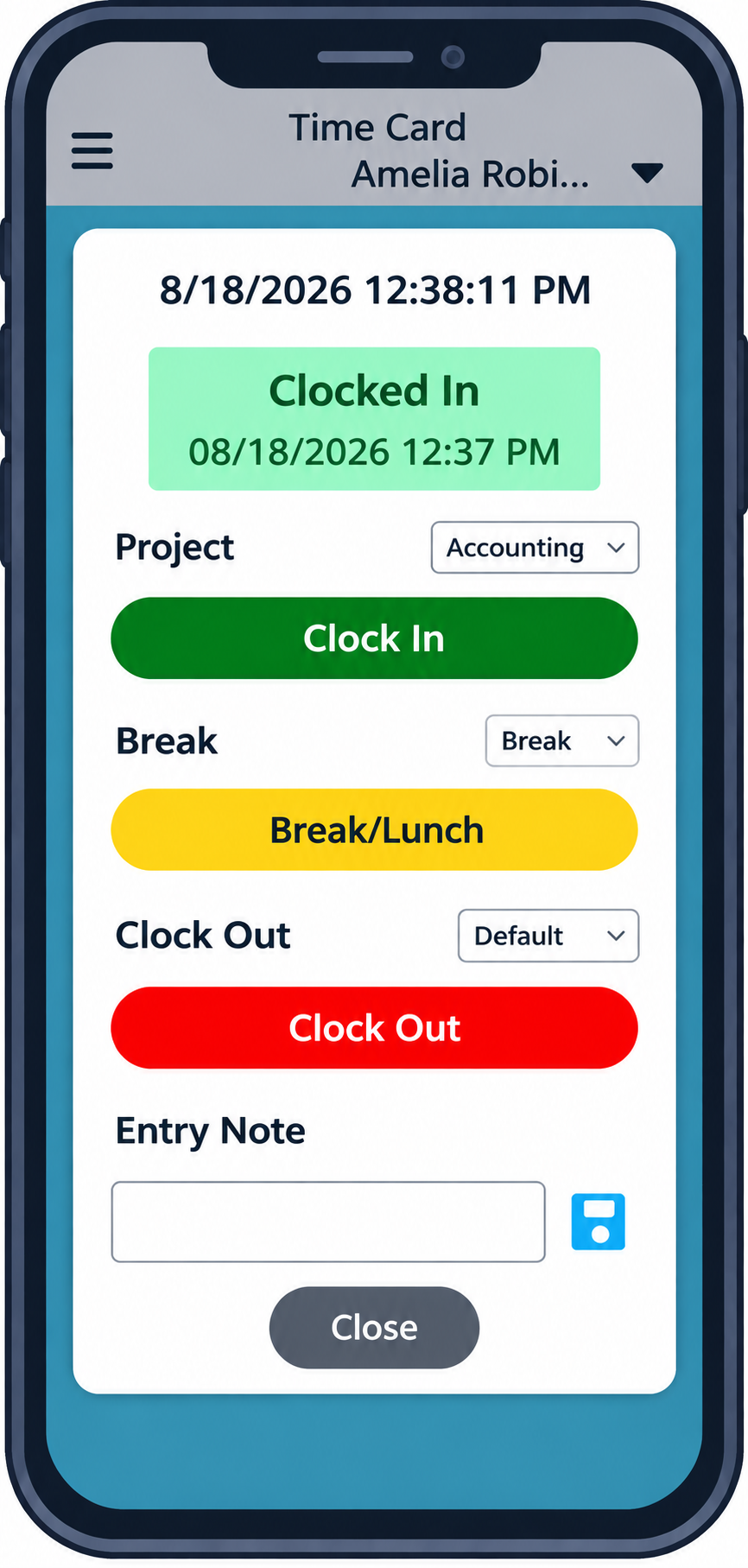
Full Clocking Capability
- Clock in with Projects, Worksites, Breaks, Lunches, and more
- Enter notes on time card
- View time card with totals
Time Card Adjustments
- Edit or request changes on time card (with access)
- Enter Compensations, like mileage or reimbursements
- Request or enter PTO Usage
- Check PTO balance
- Approve time card
Admins and Supervisors
GPS Tracking and Restrictions
- Require employees to use GPS upon clocking
- View clock in/out locations on comprehensive audit log
- Restrict Clocking to one or more geofence locations
- Exempt specific employees from restrictions
Time Card Adjustments and Approval
- View and edit time cards
- Approve time cards and change requests
Reporting
- View comprehensive audit log, including GPS location of punches
- Check who’s currently clocked in or out
More…
Team calendar, internal messaging, account customization, and more!
Text Message Clocking
Text message clocking is an option for employees who may not have internet or computer access on the job. Employees clock in and out by typing “etc” to the designated short code. Employees can clock in and out of projects, breaks, and lunches by typing the name of the project or break after the “etc.”
Additional charges are applied at 5c per punch when using this feature. Text message clocking is not included in the 30-day free trial, but can be activated with a prepayment on the account.
Please contact Customer Service to activate this feature.
